

Most Mapping / GIS linework represents features that are naturally smooth, and most GIS systems store linework as point-to-point data. AutoCAD allows “embedded arc” linework which can benefit greatly from Curvefit processing..
This example linework shows typical parcel basemap linework. This example ARC/Info translated linework needed 542 vertices for an accurate, smooth representation; Curvefit reduced the vertex count to 34 while maintaining a 1 foot precision.
The use of Curvefit together with a joining process (like our MT-Join) can reduce parcel basemap file size by 90% or more. (415 to 36)
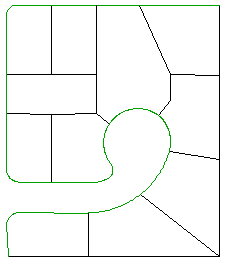
This Arc/Info generated linework requires 415 segments
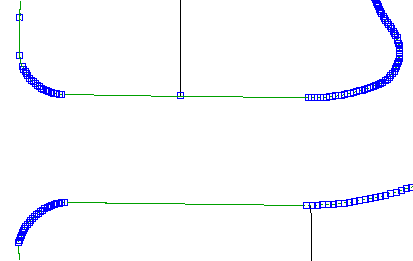
The point-to-point format used by most GIS systems requires a lot of vertices to faithfully represent curved features.
After Curvefitting
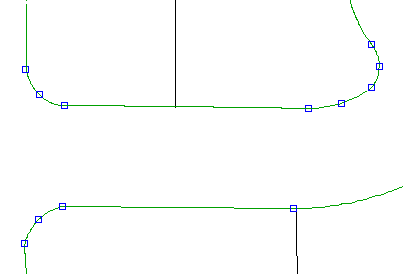
After Curvefitting the same drawing now requires only 36 segments – a 91% reduction!